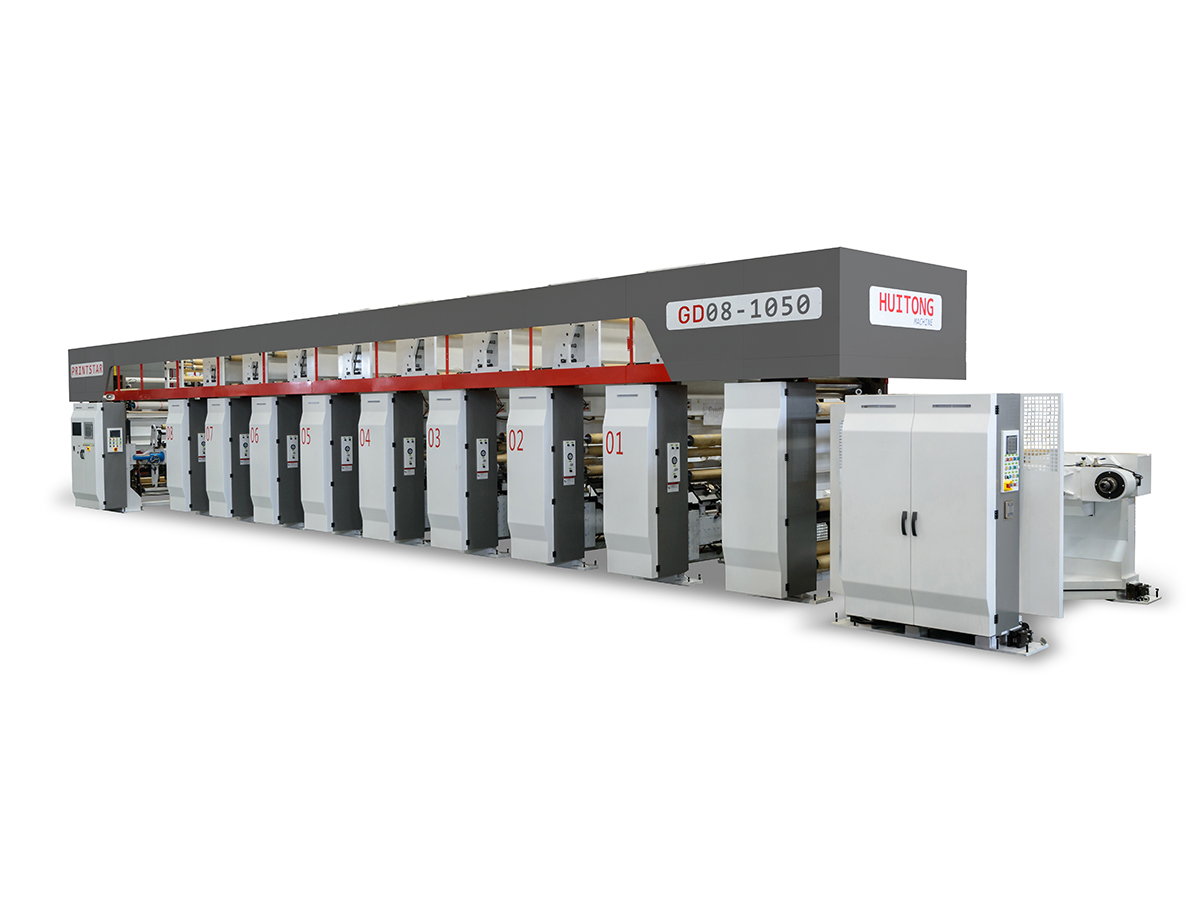
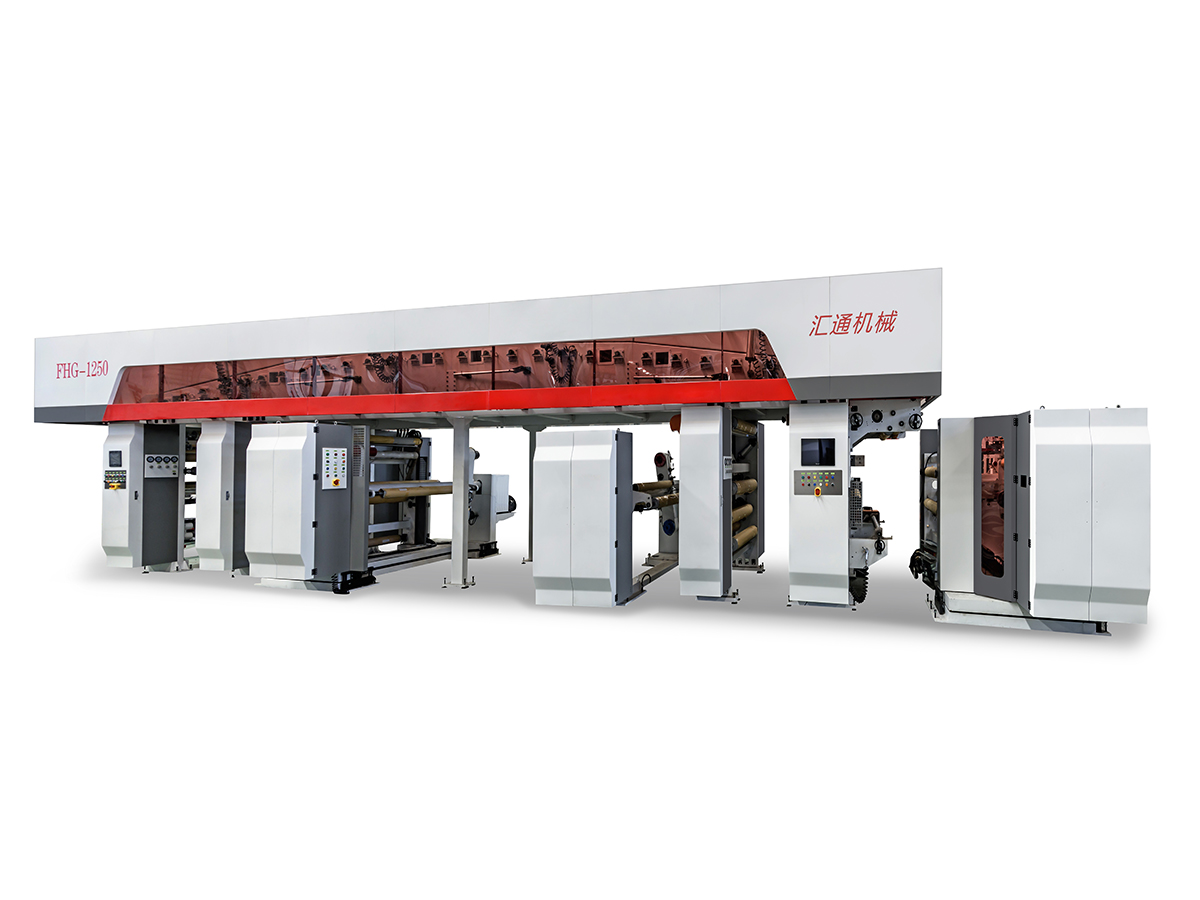
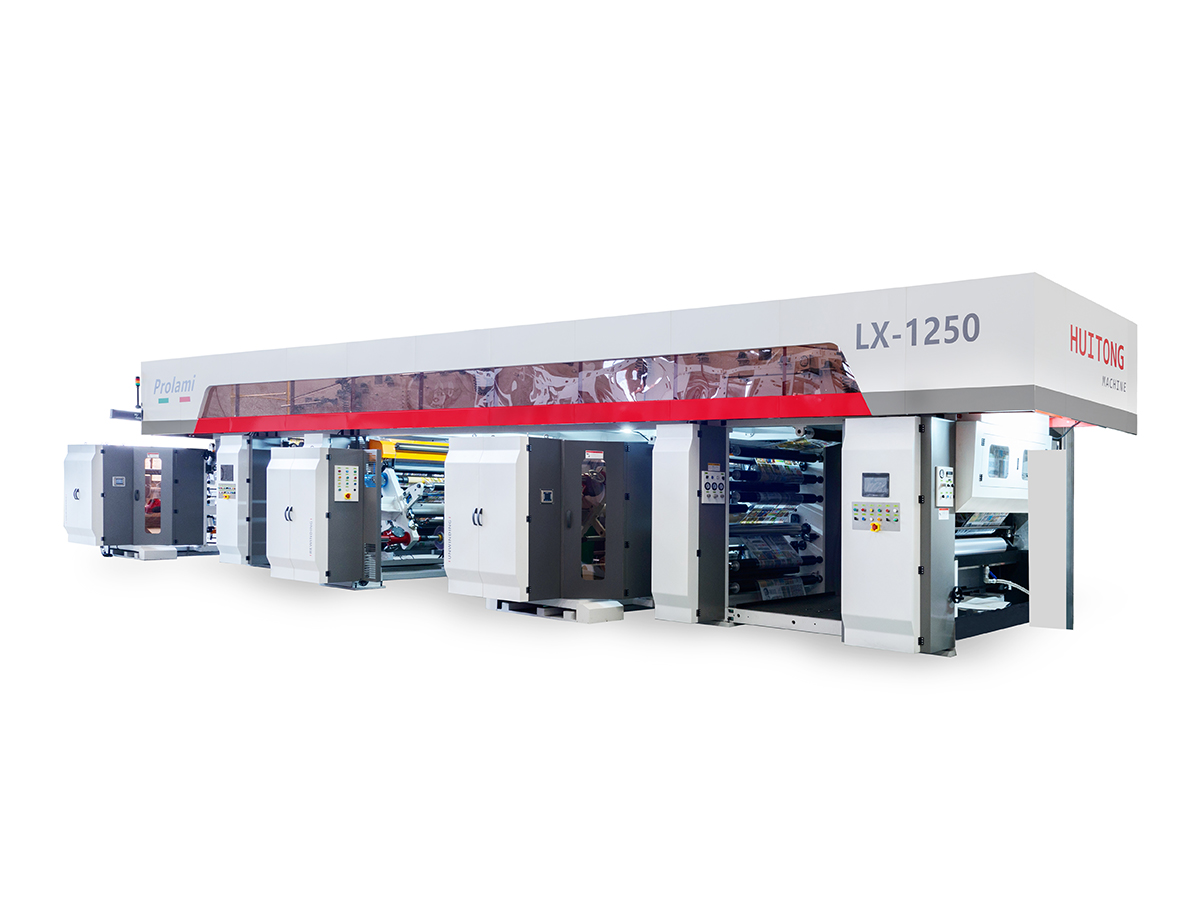
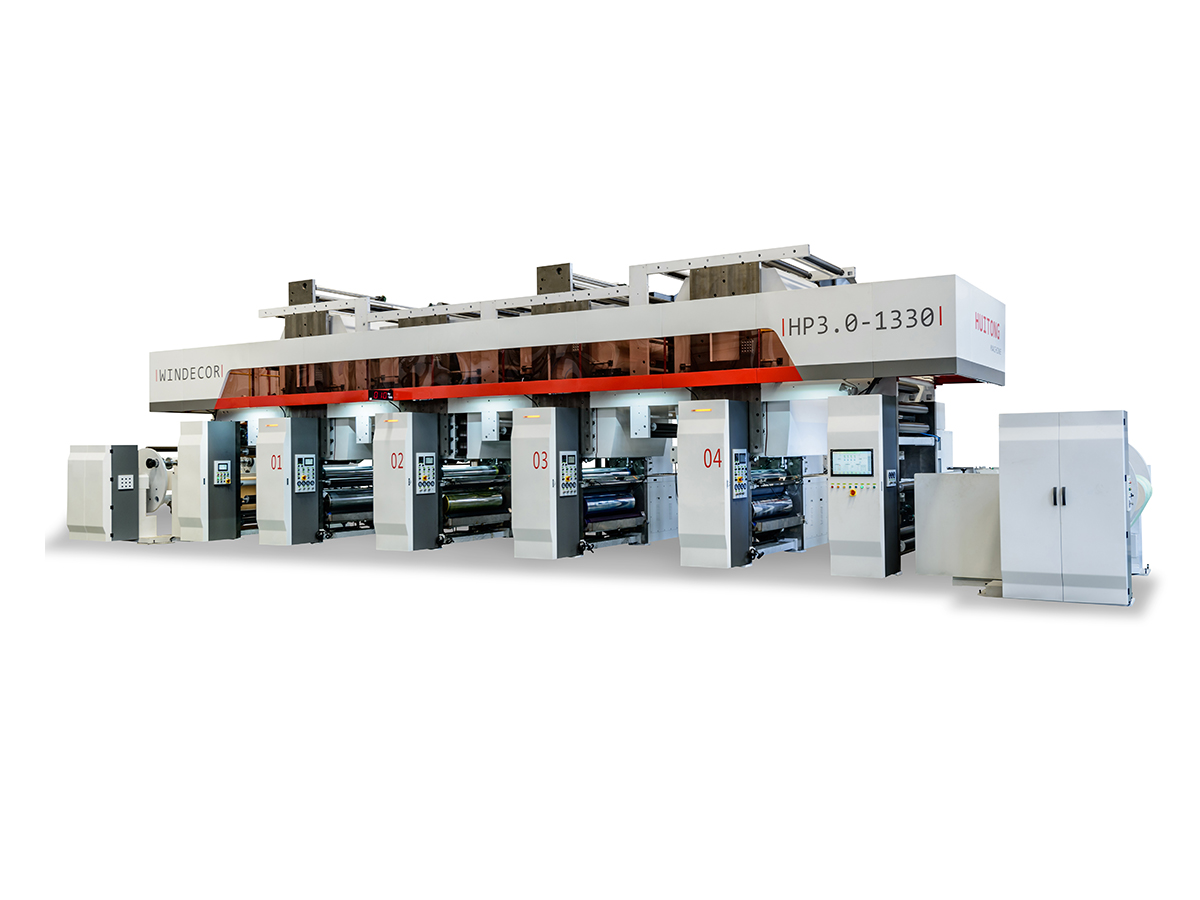
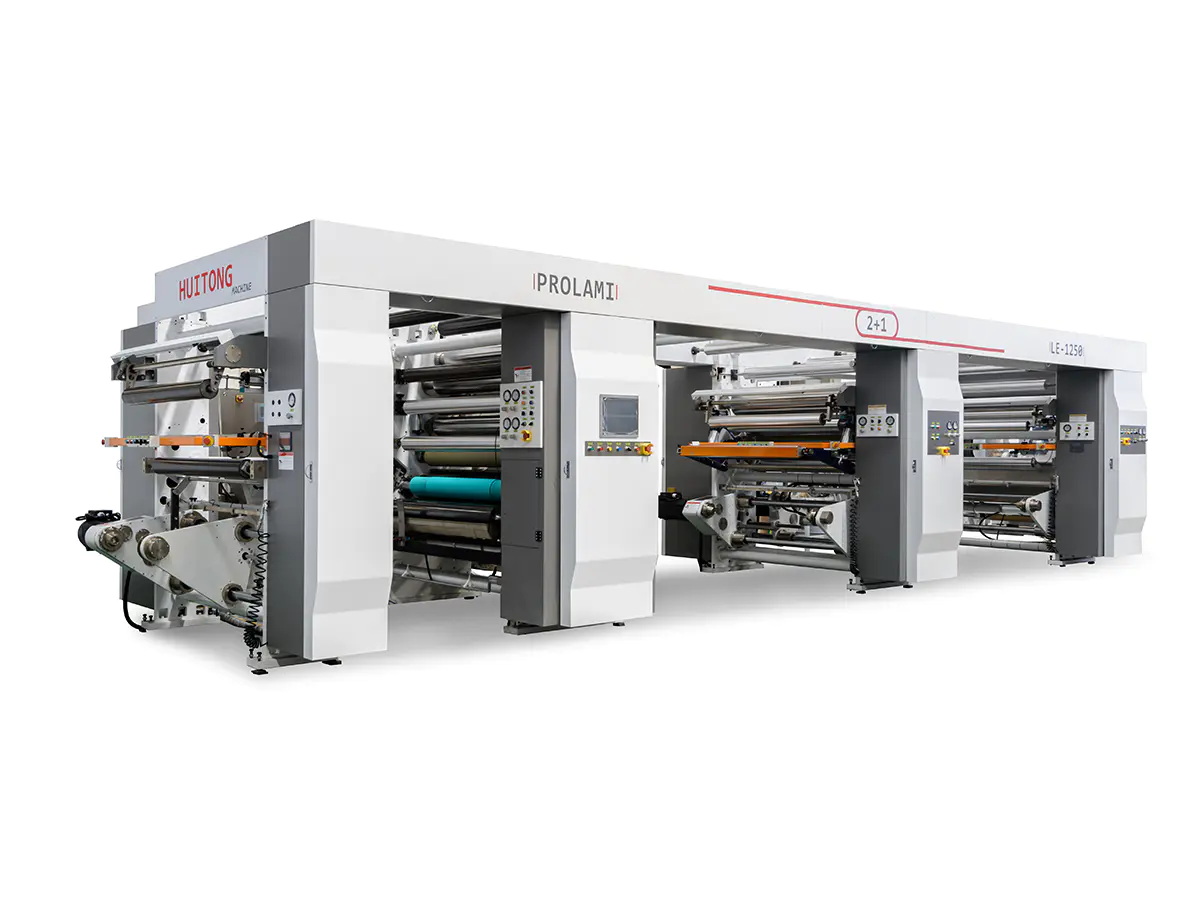
High-speed rotogravure printing machines are essential in various industries, particularly in packaging, textiles, and labels, due to their efficiency and high-quality output. These machines are designed for high-volume production, capable of printing complex designs at high speeds. However, to maintain the performance and durability of these machines, regular and precise maintenance is crucial.
Before diving into maintenance practices, it is essential to understand the critical components of a high-speed rotogravure printing machine:
Printing Cylinder: The core of the printing process, where the design is engraved for transfer onto the substrate.
Anilox Roller: Responsible for applying ink to the printing cylinder.
B&R Register System: This system ensures precise alignment of colors and prevents misregister during high-speed printing. The accuracy of the B&R register system directly impacts the print quality.
Drying System: Cures the printed ink onto the material.
Control Panel and Electronics: Manages the operation and settings of the machine.
Ink Supply System: Delivers ink to the anilox roller, ensuring consistent flow and pressure.
One of the basic yet essential maintenance tasks is cleaning. Regular cleaning prevents ink buildup and other contaminants that could affect print quality and machine performance.
High-speed rotogravure printing machines contain several moving parts that require regular lubrication. Proper lubrication reduces friction, prevents wear and tear, and ensures smooth operation. Focus on lubricating the following components:
Precise calibration is critical for maintaining the print quality of high-speed rotogravure printing machines. A poorly aligned machine can result in misregister and color distortion, affecting the final print output.
The viscosity of the ink plays a significant role in print quality. High-speed rotogravure printing machines rely on the consistency of ink viscosity for precise and sharp prints.
The drying system ensures that the ink adheres correctly to the substrate. Over time, dust, debris, or ink residue can clog the drying system, affecting its efficiency.
The control panel and electronics of a high-speed rotogravure printing machine manage crucial functions like speed, pressure, and alignment. Regular diagnostics and software updates help maintain the machine’s overall performance.
| Maintenance Task | Frequency | Recommended Tools |
|---|---|---|
| Cleaning Printing Cylinder | After every print run | Solvent, rags |
| Cleaning Anilox Roller | Weekly or after every major run | Cleaning solution, brushes |
| Lubrication of Gears and Bearings | Monthly | Lubricants |
| B&R Register System Calibration | Monthly | Calibration tools |
| Ink Viscosity Check | Daily | Viscometer |
| Inspection of Drying System | Weekly | Airflow testers |
| Control System Diagnostics | Quarterly | Diagnostic software |
| Tension Adjustment | As needed | Tension meter |
Misregistering of Colors
Ink Smearing or Uneven Prints
Substrate Wrinkling
Maintaining a high-speed rotogravure printing machine is essential for achieving high-quality prints and ensuring the longevity of the equipment. Regular cleaning, lubrication, calibration, and monitoring of components such as the B&R register system and the ink viscosity are key to preventing operational issues and maintaining efficiency.
By adhering to a well-planned maintenance routine, operators can enhance the machine’s performance, minimize downtime, and ensure top-notch print quality for every project.
1. How often should I clean the printing cylinders?
It’s recommended to clean the printing cylinders after every print run to prevent ink buildup and ensure consistent print quality.
2. What is the role of the B&R register system?
The B&R register system ensures accurate alignment of colors during the printing process, which is crucial for preventing misregistration and achieving precise color matching.
3. Can I use any type of lubricant for the machine’s moving parts?
No, always use the lubricant recommended by the manufacturer to ensure proper functioning and prevent damage to the components.
4. How can I adjust ink viscosity?
Ink viscosity can be adjusted by adding thinners or thickening agents. Regular checks with a viscometer are necessary to maintain viscosity levels.
5. What should I do if the drying system is not functioning properly?
Inspect the airflow system for blockages and ensure the dryer is clean. Regular maintenance of the drying system is key to preventing ink adhesion issues.
Contact Us
Recommended Products
Joining Hands With Huitong
Customize Your Flexible Packaging Equipment Solution
Inquire now
Products
contact us

Tel: +86-0510-86328508
+86-0510-86324508
Mob: +86-13914908980
Email: [email protected]
ADD: No. 429 Xizhang Road, Gushan Town, Jiangyin City, Jiangsu Province, China

 English
 русский
 Español
 عربى
عربى